Create a shopping list from a photo
Photograph notes, ingredients or everyday objects. Fajo recognizes the content and turns it into simple list items.


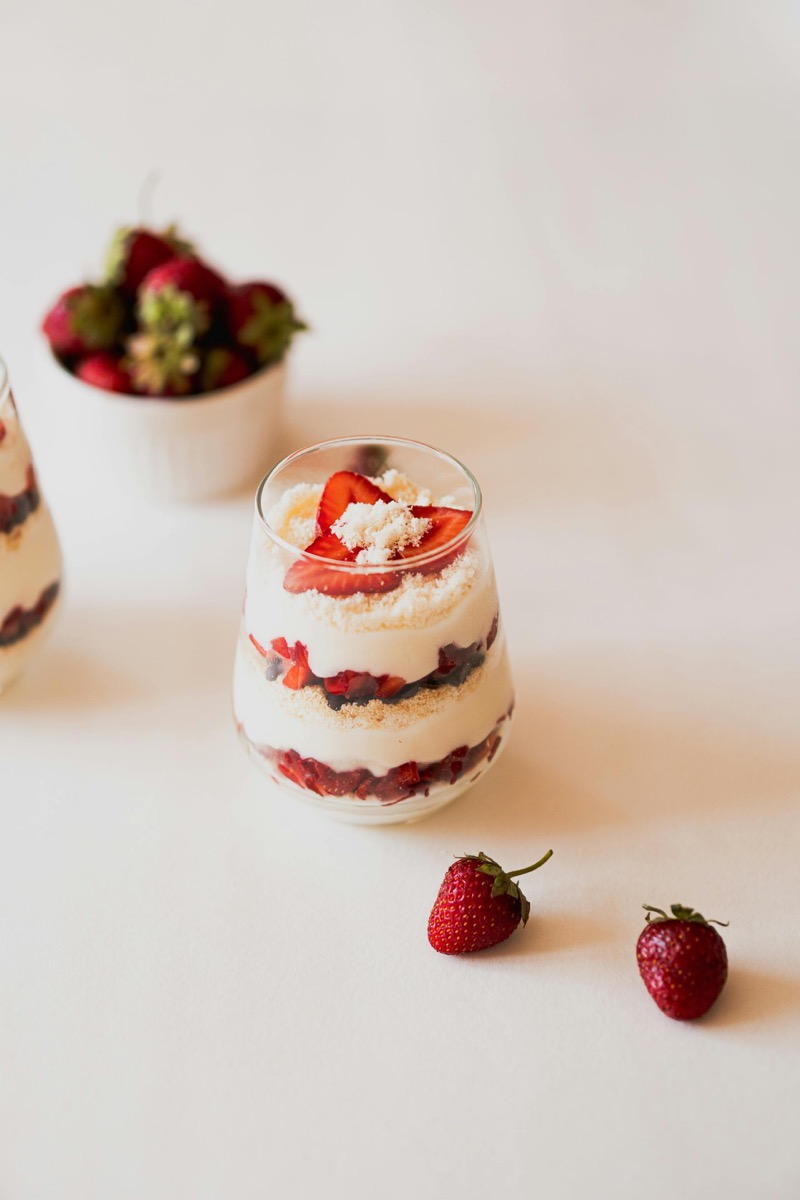
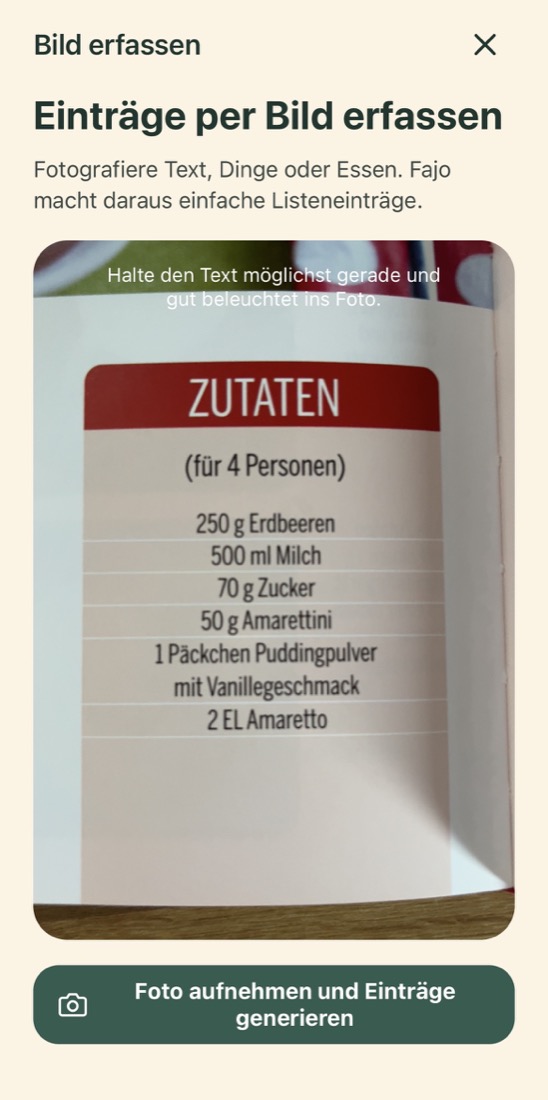
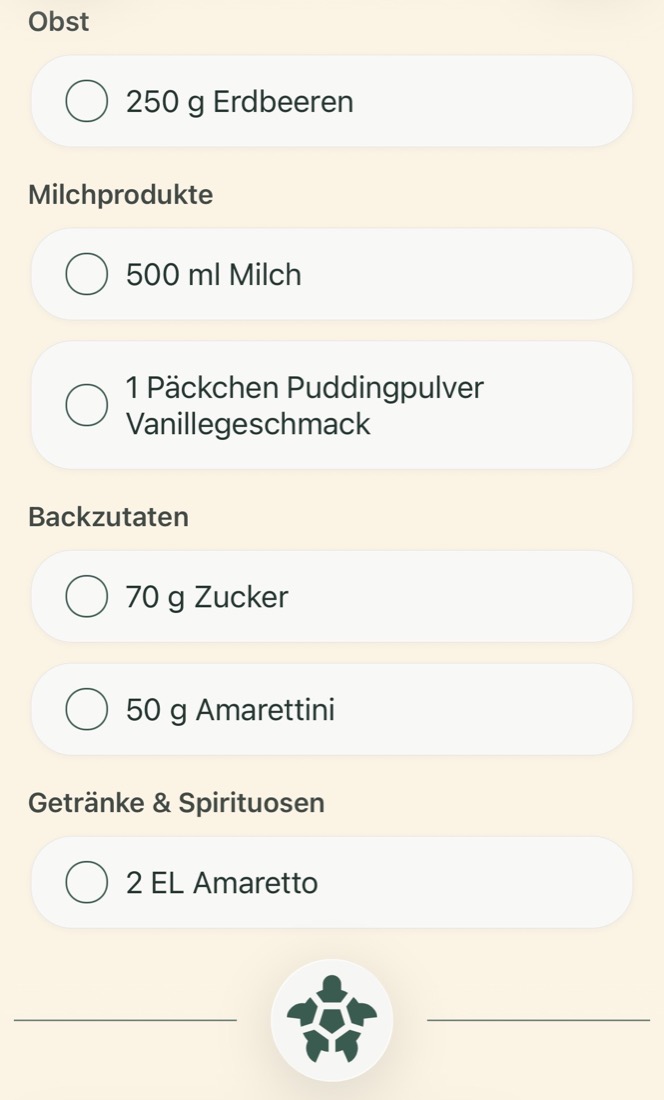
Photo in. List out.
How it works
Take a photo. Wait briefly. Keep using the list.
01
Take a photo
Open a list and choose capture items from photo.
02
Fajo reads the content
Text comes first. If there is no useful text, Fajo recognizes objects or food.
03
Add the items
The new items land directly in your list and can be grouped.
Examples
Images become simple items.
Shopping note
Milk, bread, apples
MilkBreadApples
An object
A football on the floor
Football
A meal
Spaghetti bolognese
SpaghettiGround meatTomatoesOnions
Questions
Can Fajo read shopping notes from a photo?
Yes. Photograph a shopping note or ingredient list. Fajo turns it into simple list items.
Can I send an image from another app to Fajo?
Yes. Use your phone's share function and pick Fajo. Fajo then asks which list the image belongs to and adds the items it recognizes.
Do I need an account?
No. You can use Fajo without an account.
One photo is enough.
Fajo treats everyday notes with care. Calmly, clearly and without detours.