Share lists
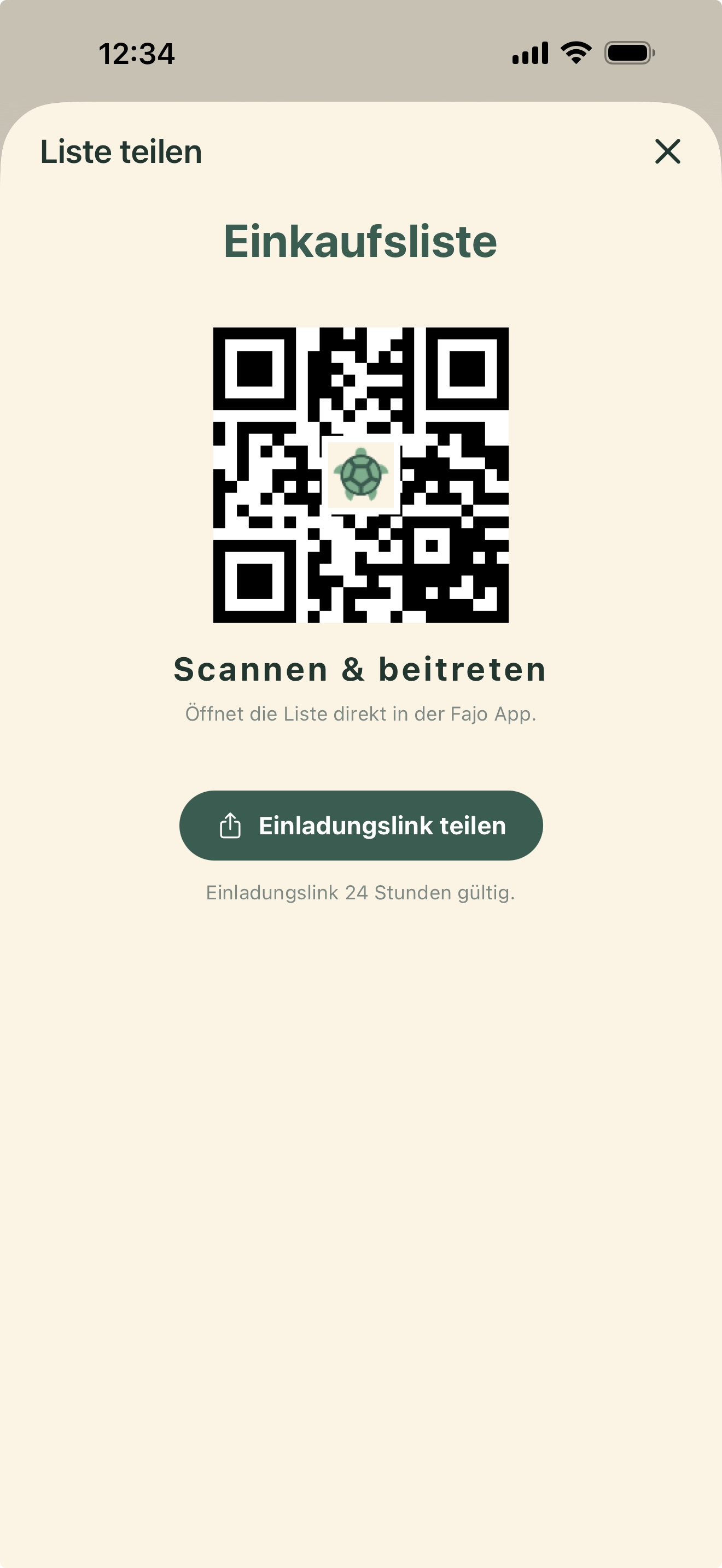
Share shopping or task lists with your family by link or QR code.
- Open a list
- Open the menu next to the new item field
- Choose share list
- Send the link or QR code
- Edit together
 Fajo
Fajo

Fajo
and for you.
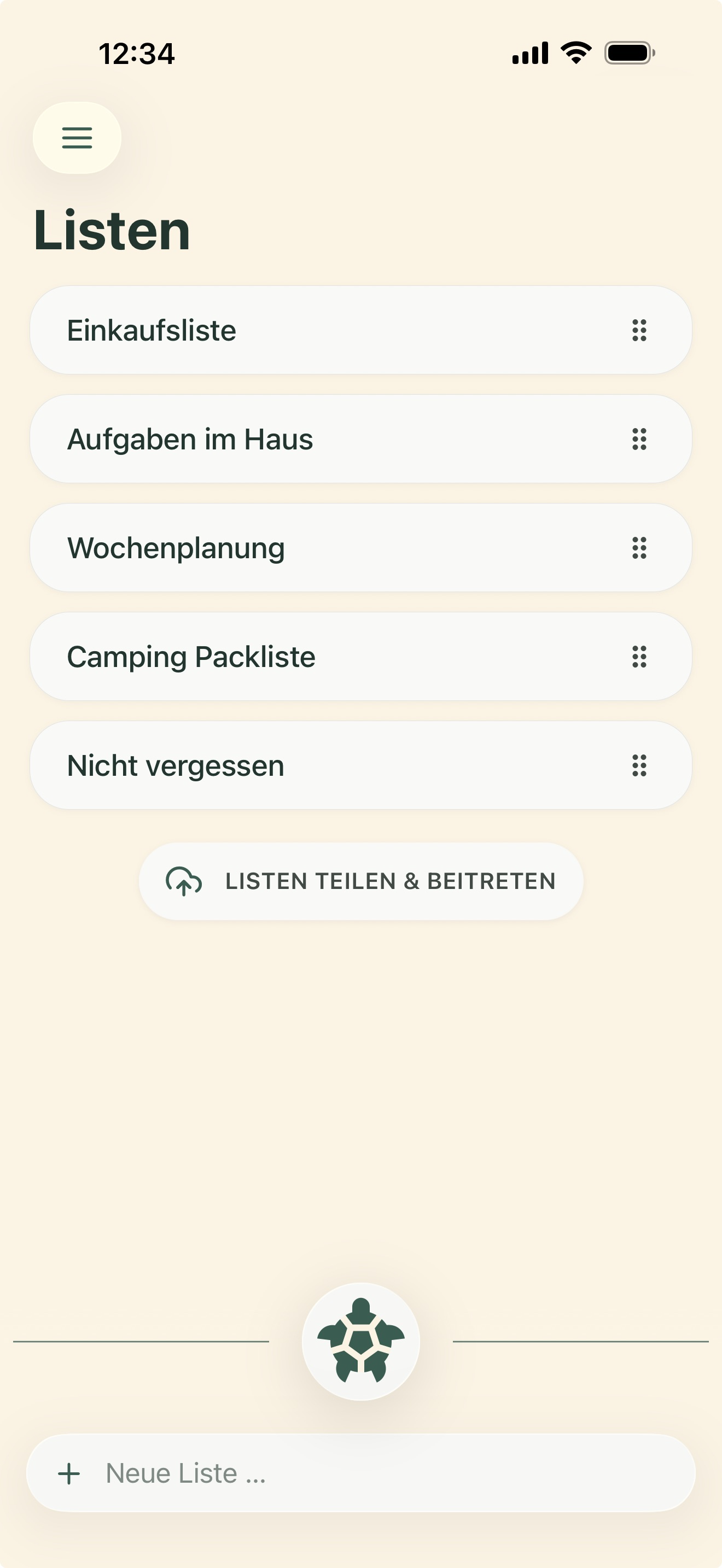

by Fajo.
Share lists and finish them together.
Features
Share, group, speak, photograph: Fajo keeps the important everyday actions close at hand.
Share shopping or task lists with your family by link or QR code.
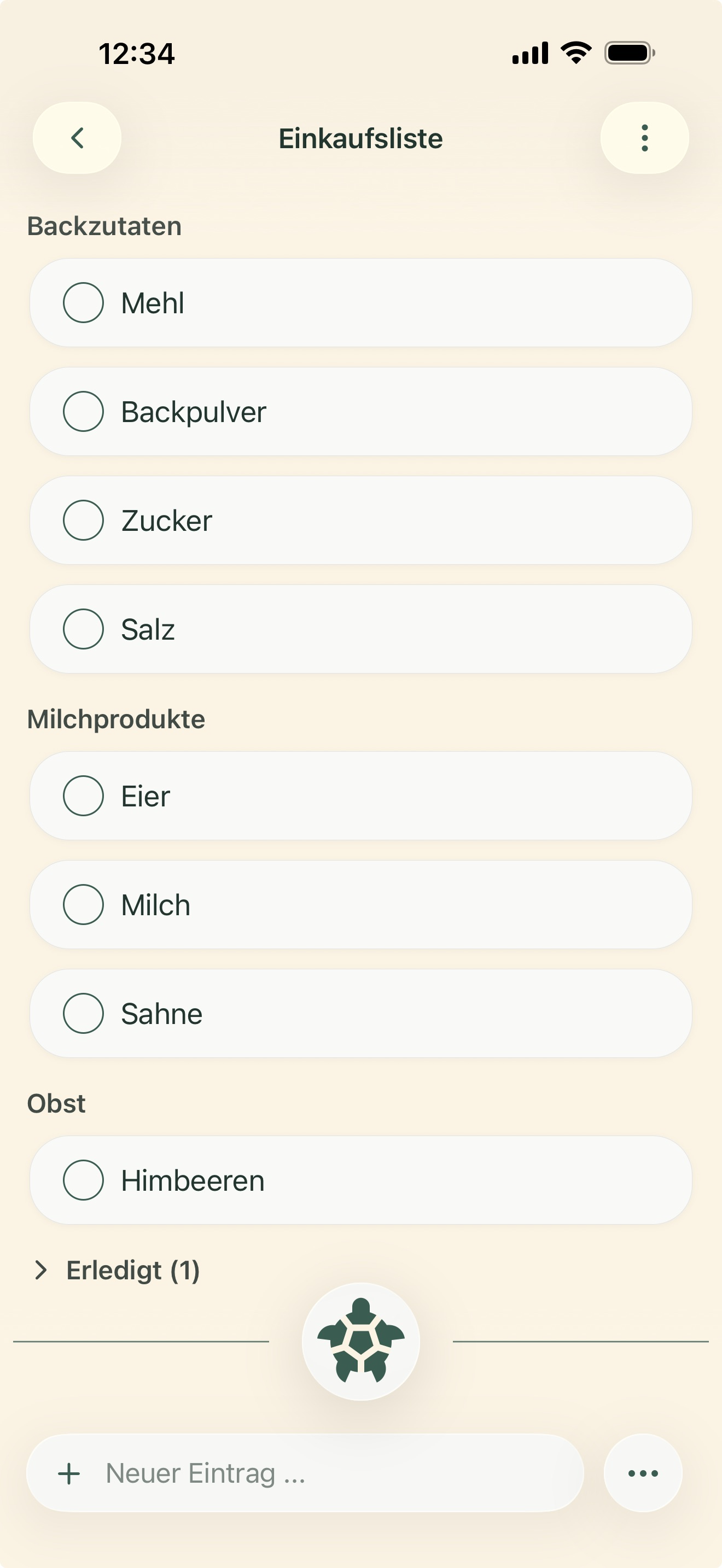
Fajo groups shopping lists into useful areas such as produce, chilled items or household.
Speak naturally. Fajo creates lists, adds items and understands short instructions.
Photograph notes, ingredients or objects. Fajo turns them into simple list items.
Themes
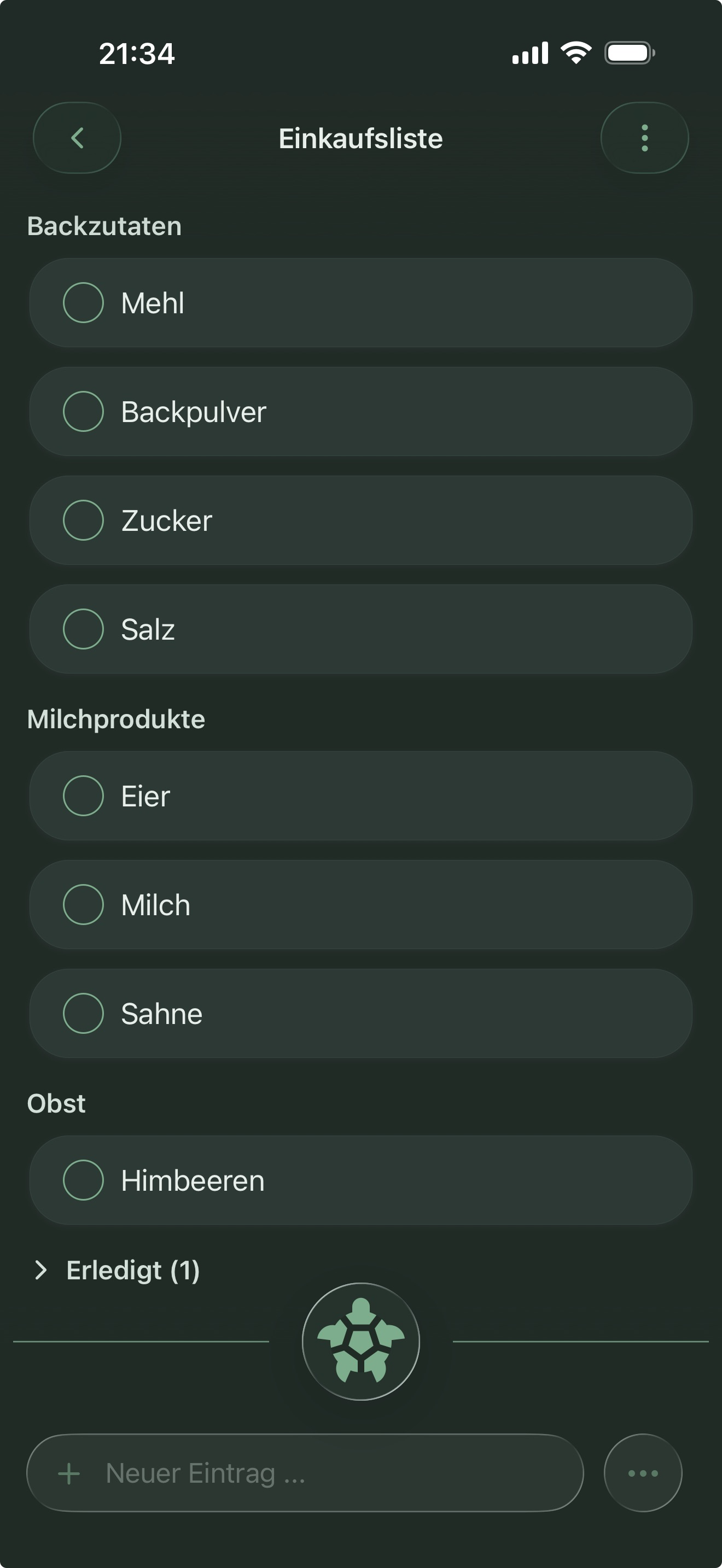
Six designs to choose from – from perfectly calm to Prism, our iridescent metallic shimmer.
Switch anytime in the settings.
quiet and clear.